Suggestion boxes are a great way to gather feedbacks from your employees.
Start from: The Engagement Dashboard.
- Navigate to Suggestions Box > Boxes.
- Select Create category.
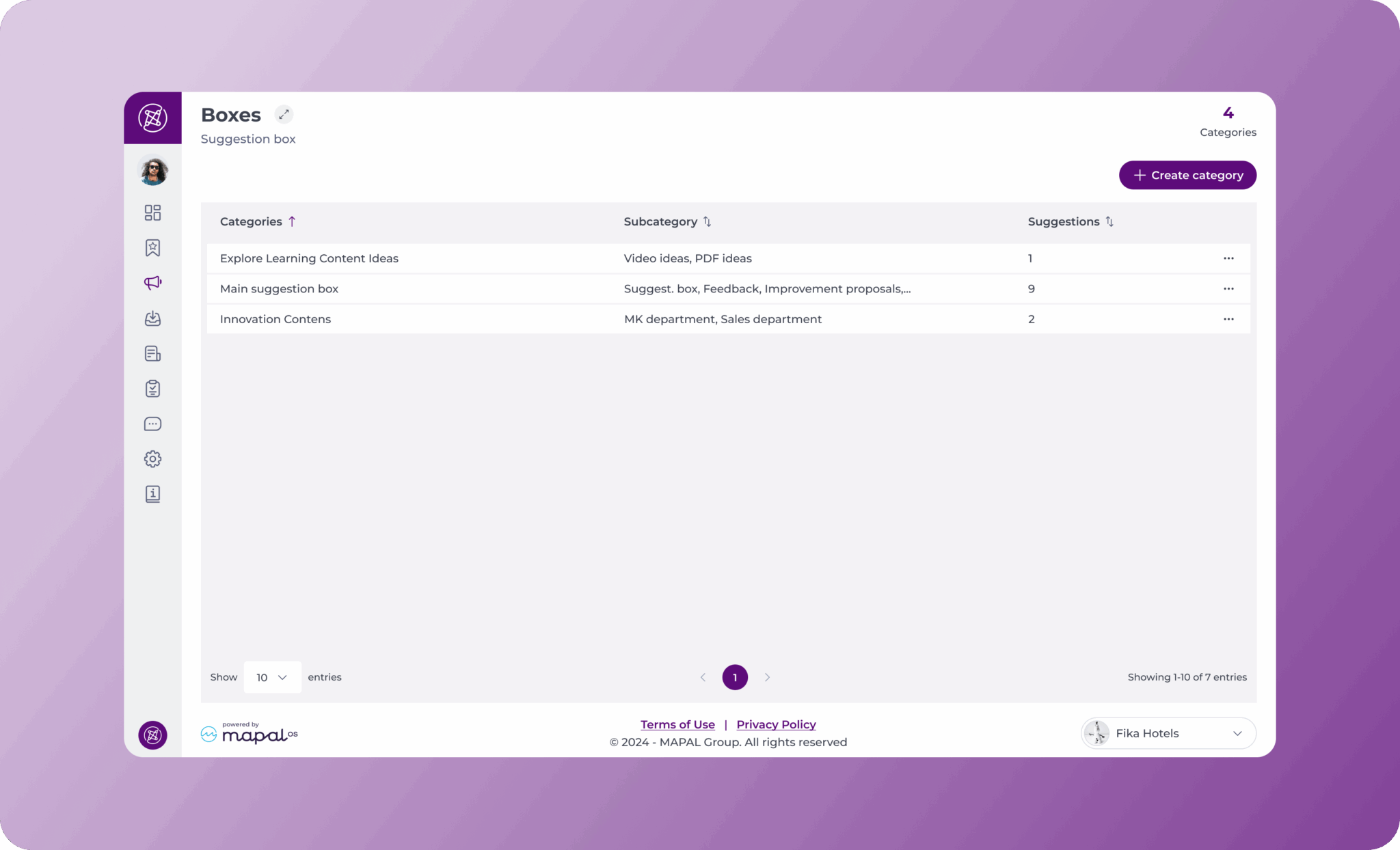
Complete the two following sections:

1. Which employees can view the category?
- Choose the employees by levels/department/job using the dropdown menus.
2. Name
- Enter a name for your box category.
- Select Save.
Add a subcategory to a box category
Subcategories are required for suggestion boxes to work correctly. A category without at least one subcategory will not be visible as a destination in Mapal One, and employees will not be able to submit suggestions to it.
- Select the three dots next to the Category you wish to add the subcategory to.
- Select Add subcategory.

- Complete the fields in the pop-up form that appears.
- Enter a name for the subcategory.
- Select a manager to manage this subcategory in the Administrators.
Note: Only Administrators will be able to view the suggestions made by users.
Repeat these steps to add as many subcategories as you need under each category.

Create a suggestion
Suggestion boxes are created and managed through Engagement, but employees can submit their suggestions directly in Mapal One under Company > Suggestion Box.
To learn more about how to submit suggestions, see Make suggestions about your company.
Originally published at https://help.mapal-os.com/engagement/suggestion-boxes/boxes/create-suggestion-boxes/
Add comment
Please sign in to leave a comment.