Training locations are essential when setting up "classroom" training sessions as part of your blended learning programme. This location can be any type of venue that you might use for your onsite training: conference room, external training venue, head office and more.
Start from: Learning & Development > L&D Settings
- Within the External Training group, select Training Locations.
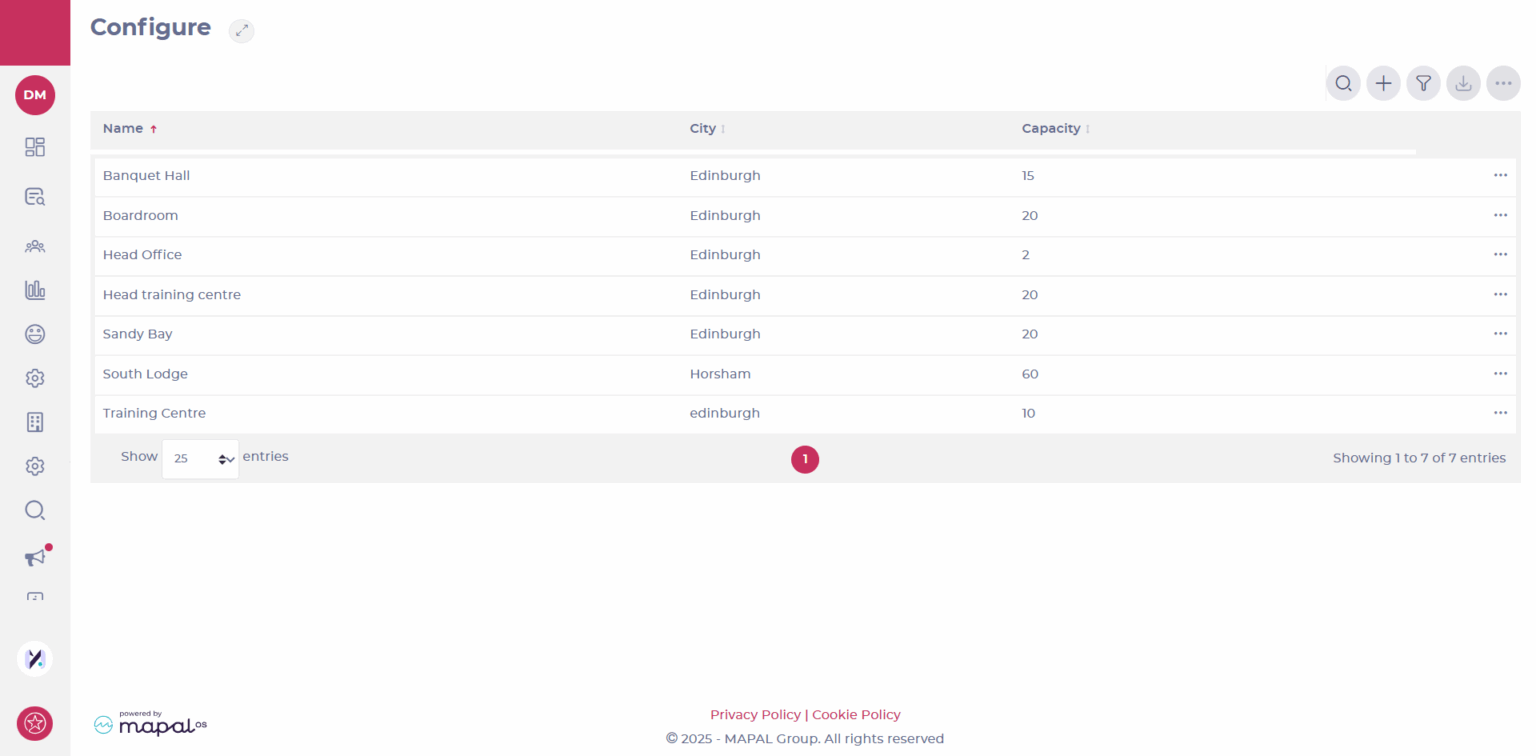
- Select the Add icon to add a new location.
- Fill in the details for your venue, including name, address and maximum capacity.
- Select Save
Originally published at https://help.mapal-os.com/flow-learning/learning-and-development/external-training/set-up-training-locations/
0
0
Was this article helpful?
0 out of 0 found this helpful
Add comment
Please sign in to leave a comment.