Start from: The Analytics dashboard Navigate to Configuration > Events by Business Unit from the main menu. You will see an interactive calendar that displays business-related events across a location. Apply filters to narrow down the calendar view to match your planning needs: Year: Select the year you want to view. Business Unit: Choose a […]
Start from: The Analytics dashboard
-
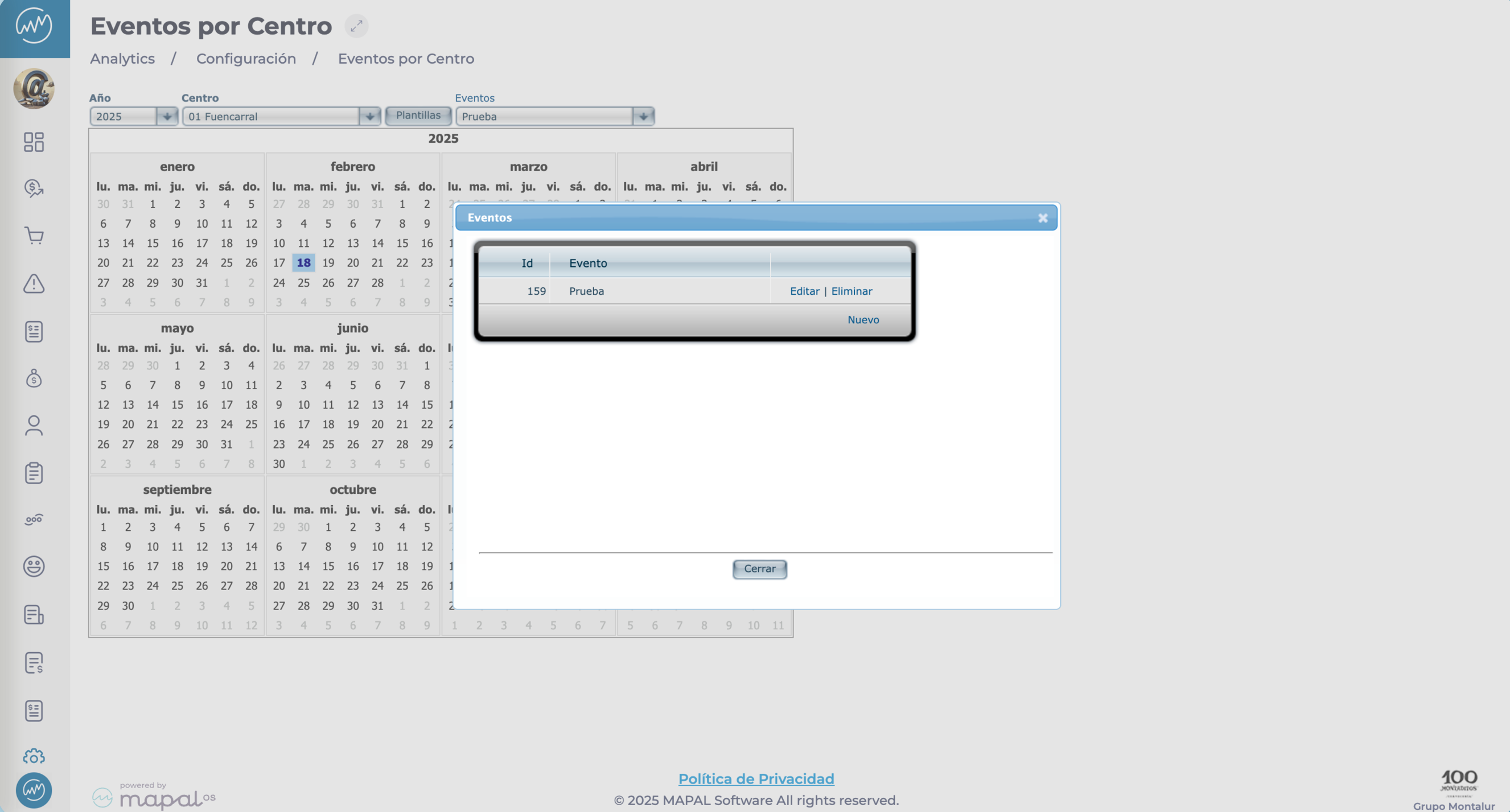
Navigate to Configuration > Events by Business Unit from the main menu.
-
You will see an interactive calendar that displays business-related events across a location.
-
Apply filters to narrow down the calendar view to match your planning needs:
-
Year: Select the year you want to view.
-
Business Unit: Choose a specific business unit to see only its associated events.
-
Templates: Filter by predefined event templates (e.g. national holidays, regional events).
-
Events: Focus on particular types of events (e.g. closures, milestones).
-
Notes: Combine filters for more specific results, such as viewing only regional holidays for one business unit in a particular year.
-
The filtered events will appear in the interactive calendar.
-
Each event is displayed clearly, making it easy to identify important dates.
-
Click on any event to view more details.
 Customise templates
-
Select the Templates button to open a pop-up window.
-
Tick or untick templates to adjust what appears in the calendar view.
This helps tailor the event list to what’s most relevant for the selected business unit.
Originally published at https://help.mapal-os.com/analytics/configuration/event-by-business-unit/view-and-manage-events-by-business-unit/
Add comment
Please sign in to leave a comment.