Mapal OS is the all-in-one place where you can access your company’s complete suite of Mapal products. As a employee, you will need to log in to Mapal OS to interact with the different tools available.
- Visit the Mapal OS welcome page at login.mapal-os.com

- You have two ways to log in:
- Email & Password
- Enter your email and password in the fields provided.Select Log in.(Optional) Select Remember me if you'd like the system to remember your login details.
- Select Login with SSO on the welcome page.Enter your email address.You will either:
- Be redirected automatically to your organisation’s SSO provider, orBe asked to select your SSO provider if more than one is available.
Note: If your company does not have an SSO configuration in place, an error message will appear after entering your email. In this case, please log in with your Mapal OS username and password.
- Email & Password
Login to Mapal One
The Mapal One login page presents two options to log in:

- Log in via Mapal OS
- Directs OS users to log in through Mapal OS (with email/password or SSO).
- This is the recommended option, ensuring access to the full suite of features, including AI-powered functionality.
- Availability of this option is controlled at the operator level.
- Log in with email
- Expands to show the traditional email and password fields.
- For non-OS users or operators that have not enabled OS login.

This structure ensures flexibility for all organisations while encouraging OS login for full feature access.
Mapal One welcome page
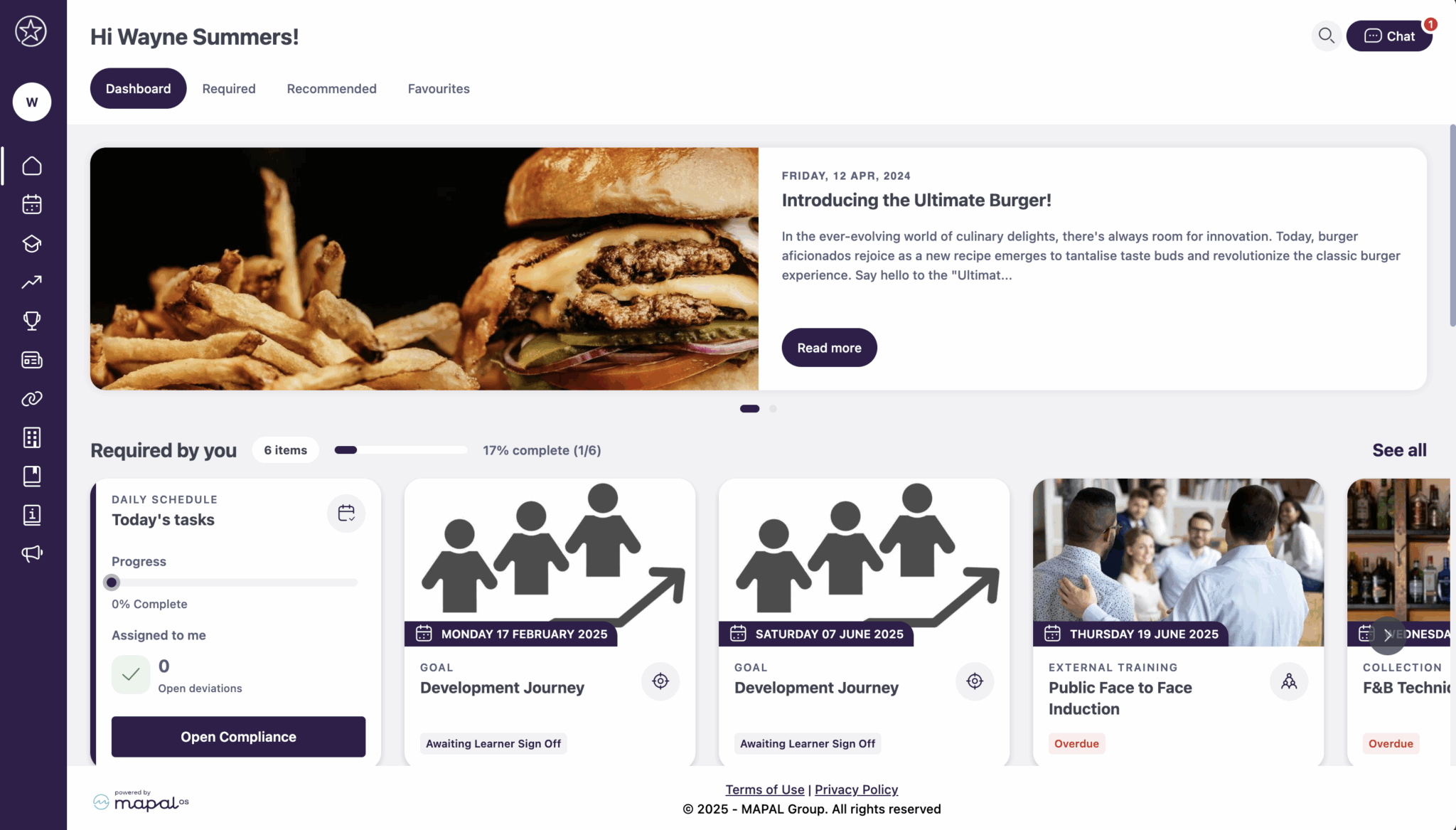
When you log in, you should be redirected automatically to the Mapal One welcome page. Mapal One is the employee platform where you can access the different Mapal tools your company has available.
If you haven't been redirected automatically, visit one.mapal-os.com.
Request a new password
If you need a new password, you can request this using the following steps.
- Select Forgot your password?
- Go to your email inbox.
- Follow the link on the reset password email.
- Set a new password.
Note: If you still have problems logging in as a learner, contact your line manager or Mapal support.
Originally published at https://help.mapal-os.com/mapal-one/getting-started-mapal-one/access-mapal-os-as-an-employee/
Was this article helpful?
Articles in this section
- Manage your Mapal One user profile
- Search Feed, learning, development, people or links
- Review your Mapal One schedule
- Chat with your team
- Switch from GIR Staff to Mapal One
- View your favourites in Mapal One
- Review your Compliance tasks in Mapal One
- Using Filters in Mapal One
- Understand the Mapal One dashboard
- Access Mapal OS (as an employee)
Add comment
Please sign in to leave a comment.