Shift control is crucial for measuring staff efficiency, realigning operational strategies, and facilitating decision-making around shift planning and personnel management. The ROTAs control report includes detailed data on shift adherence, incidents, and special situations during a specific shift.
Start from: The Workforce module.
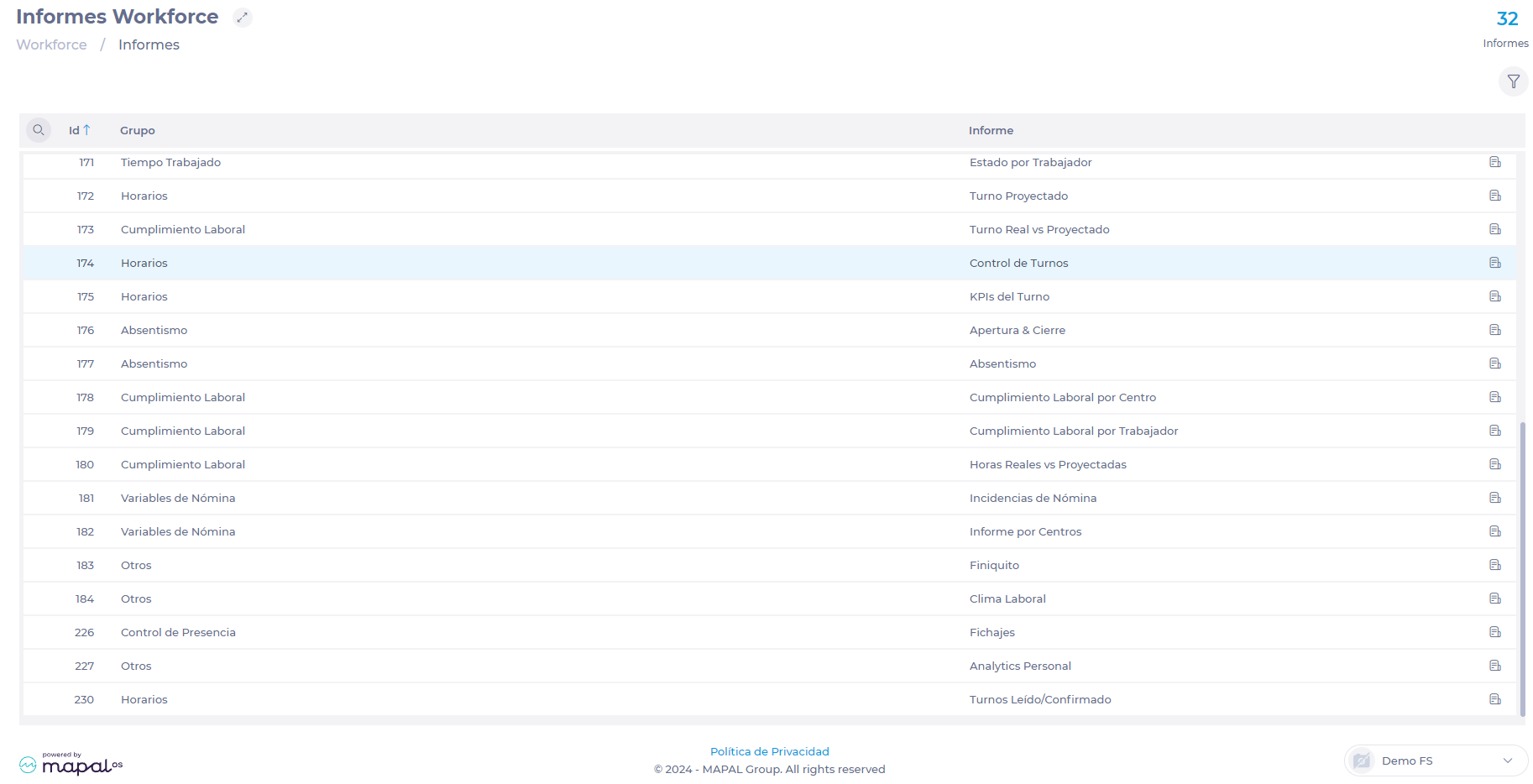
- Select Reports from the main menu.
- Use the Search icon or locate report 174 - ROTAs Control in the listing.
- Select one or more Units for which you want to generate the report.
- Set the Start and End date you want to consult.
- Select the Show Time & Attendance and shift details field to add this information to the report.
- Select the Excel button to download the report in .XLS format.
Originally published at https://help.mapal-os.com/workforce/reports-workforce/generate-a-rotas-control-report/
0
0
Was this article helpful?
0 out of 0 found this helpful
Articles in this section
- Analyze projected vs. actual worked time
- View hours worked by employee or work center
- Generate reports on workers' night hours
- Generate ROTA KPIs report
- Generate a ROTAs control report
- View complementary (variable) hours
- View the attendance control report for an inspection
- Understand if a contract is about to end
- View an employee length of service per unit
- View reports on employee transfers
Add comment
Please sign in to leave a comment.